Privacy controls
Session replay is only useful if you can defend how it was collected. Replayly turns the conservative defaults on first, then lets you tighten or relax them with explicit project settings.
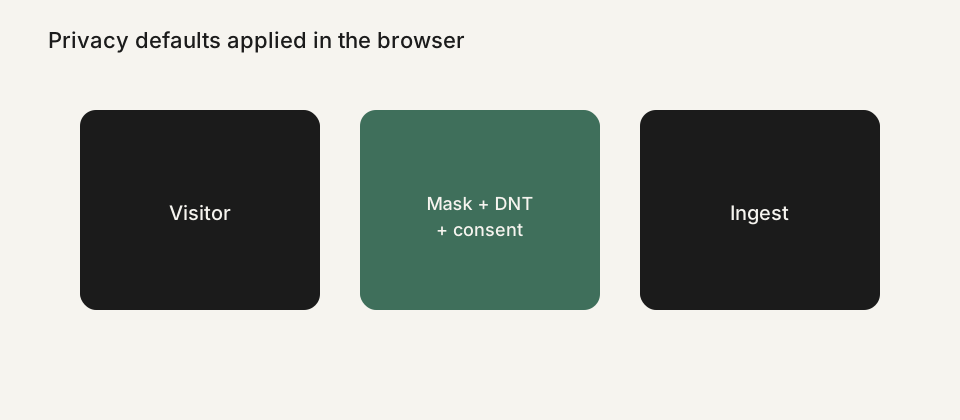
Defaults that stay on
Input values are masked by default. Passwords, names typed into forms, and other field values should not appear as plaintext in a recording. That is a default, not a reminder you have to remember on every new project.
The tracker can also respect Do Not Track. If a visitor's browser sends that signal, Replayly can stay silent. Paid plans can wait for consent before recording, mask all text, and block CSS selectors for elements that should never be captured, such as a support widget or a live card preview.
Consent and configuration
Consent mode works with a small JavaScript API: your site calls the tracker after the visitor agrees, instead of hoping a later dashboard toggle will un-record data that already left the browser. Runtime config also covers sampling, allowed domains, and test mode so you can stagger a rollout.
Settings live per project, because a marketing site and a logged-in app rarely share the same risk. The privacy documentation walks through each control, including how to verify that masking is actually applied before you roll the snippet out widely.
Self-hosting and data you control
Privacy is not only about masking. It is also about where recordings live. You can self-host Replayly on a VPS you choose, with Postgres and object storage in a region you pick. A hosted workspace is available if you do not want to operate the stack, but the self-host path exists for teams that need it.
This page is product documentation, not legal advice. You are still responsible for your own privacy policy, lawful basis, and data-processing terms. The public privacy policy and the self-host guide describe how the software behaves; your counsel should decide how you use it.
Compare the defaults, not just the feature list
Many session replay tools can mask inputs. Fewer ship with masking and Do Not Track on from the first snippet. When you compare Replayly with a hosted tool, read their current privacy documentation rather than assuming the defaults match.
The fact sheet lists the current privacy posture next to plans and retention, and the privacy controls doc is the operator's checklist. If a setting changes, those pages should change with it.
See all Replayly features, compare plans on the pricing page, or read Replayly vs Microsoft Clarity. Ready to try it? Create a workspace or follow the install guide.